
Remote Firmware & Application Updates
Reliable, controlled updates for your entire device fleet, with the right update path for each player type: Linux players, Android players and LG panels.
One update path per player type
Each kind of player is updated the way that suits it. The version stays under your control in every case.
| Player type | How updates arrive | Choosing the version |
|---|---|---|
| Linux players (Raspberry Pi, Asus Tinker Board) | Releases through Balena Cloud | Choose a release, pin a device to a version; new devices get the last good release automatically. |
| Android players | Each release becomes a mobile-device-management configuration | The version is chosen per device. |
| LG panels | Firmware over the local network, from one player on the site | A curated list that matches model and webOS version: recommend, confirm, update. |
Linux players: updates through Balena
Linux players use Balena Cloud as the foundation for remote firmware and application updates, supporting Raspberry Pi 3, 4, 5, and Asus Tinker Board devices. This architecture is central to our Edge Device Management strategy.
Our gateway application provides comprehensive device lifecycle management for these players through deep Balena integration:
- Choose the release: Choose from the available releases.
- Release Pinning: Pin a device to a specific application release for controlled, staged rollouts.
- Last good release for new devices: New devices get the last good release automatically.
- Move without pairing again: Move devices between fleets and accounts without pairing them again.
- Device Registration: Automatic registration of new devices with UUID validation to prevent duplicates.
- Configuration Management: Real-time updates of device configuration and environment variables.
Windows Update Elimination
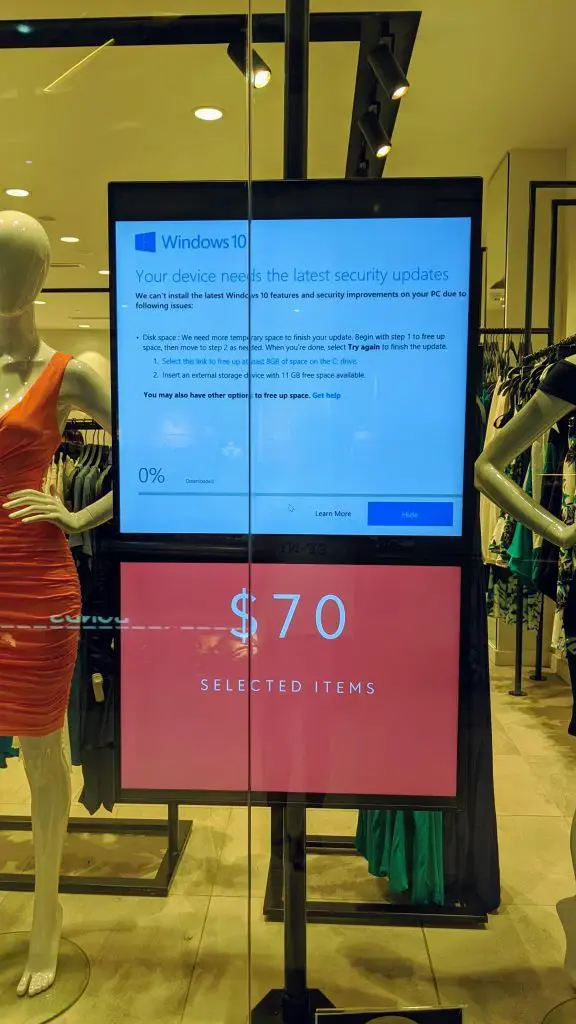
Because our Linux players run the Linux-based Balena OS, they are completely immune to disruptive, unexpected Windows update interruptions. Their update mechanism is fully controlled through Balena Cloud, not traditional Windows Update services. Our impress-write application ensures devices are provisioned with the correct OS from the very start.
Android players: versions through mobile device management
On Android players, each impressBox release becomes a mobile-device-management configuration, with the version chosen per device.
LG panels: firmware over the local network
LG panel firmware is updated over the local network from one impressBox player on the site. The firmware comes from a curated list that matches model and webOS version and never guesses, five panels at a time, with progress in the CMS: recommend, confirm, update.
API Integration for Updates
For Linux players, we provide RESTful endpoints for all update operations, including device registration, configuration updates, release pinning, and environment variable management. This allows for full programmatic control of the entire update process, as documented in our Integrations section.