Platform · Add-ons & roadmap
Where impressBox is going, and what you can add today
This page lists the extras you can add on top of the platform price, the functions that moved off the roadmap in the latest wave, and what is planned next. Every item carries its real status. If it says Soon, you cannot use it yet, and we say so.
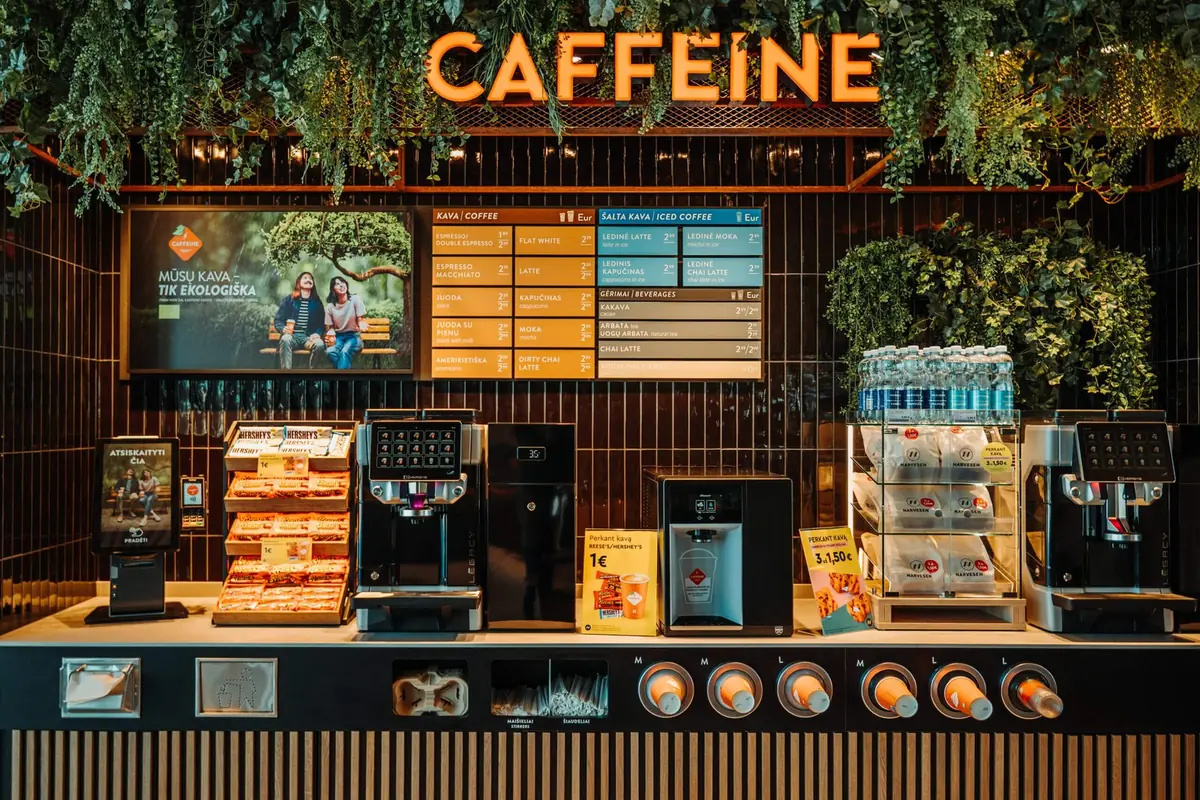 CMSPlaylists · Templates · Scheduling
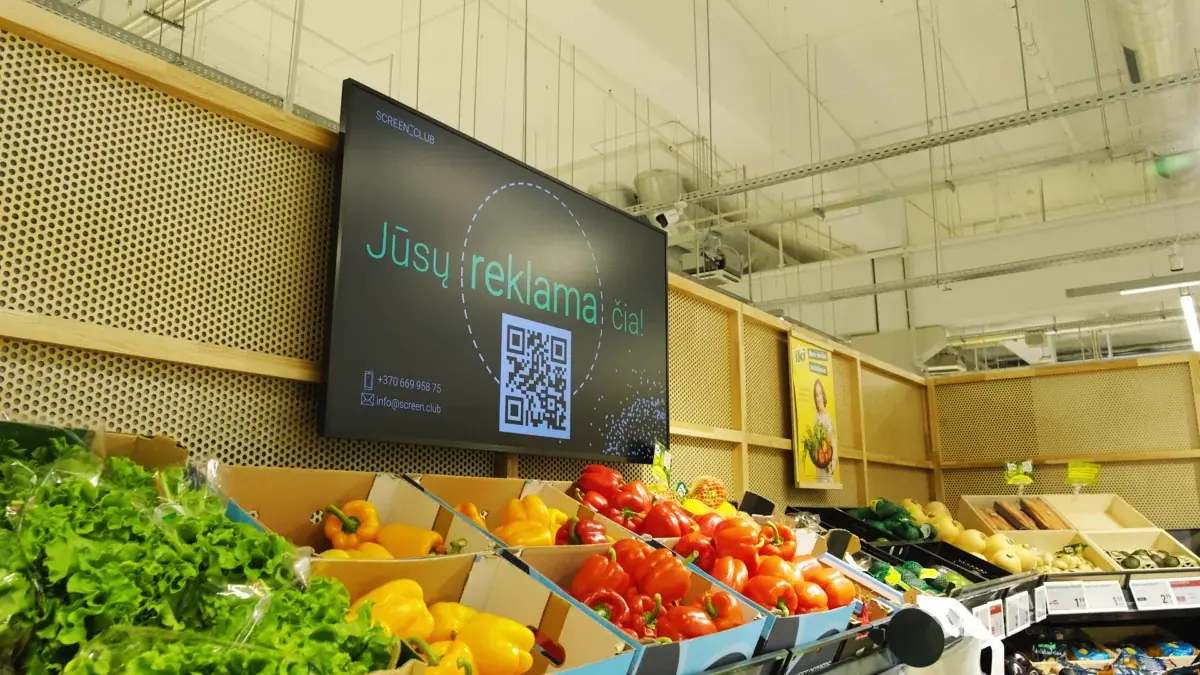 Media SalesCRM · Proposals · Ad breaks
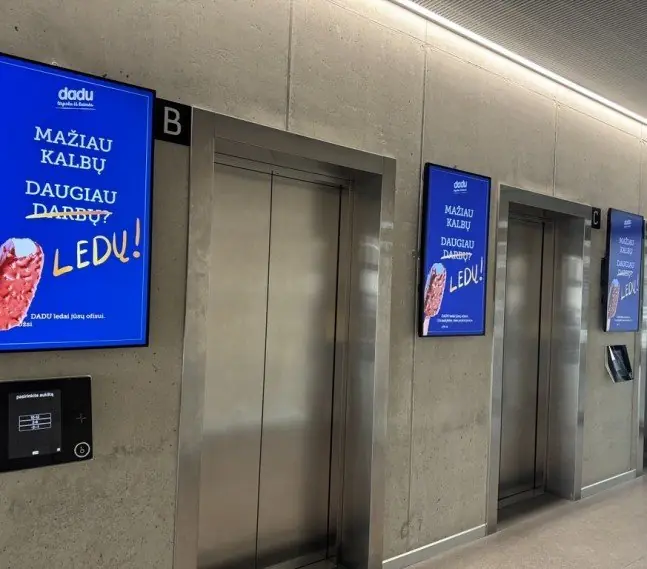 PortalsAdvertiser · Venue · White‑label
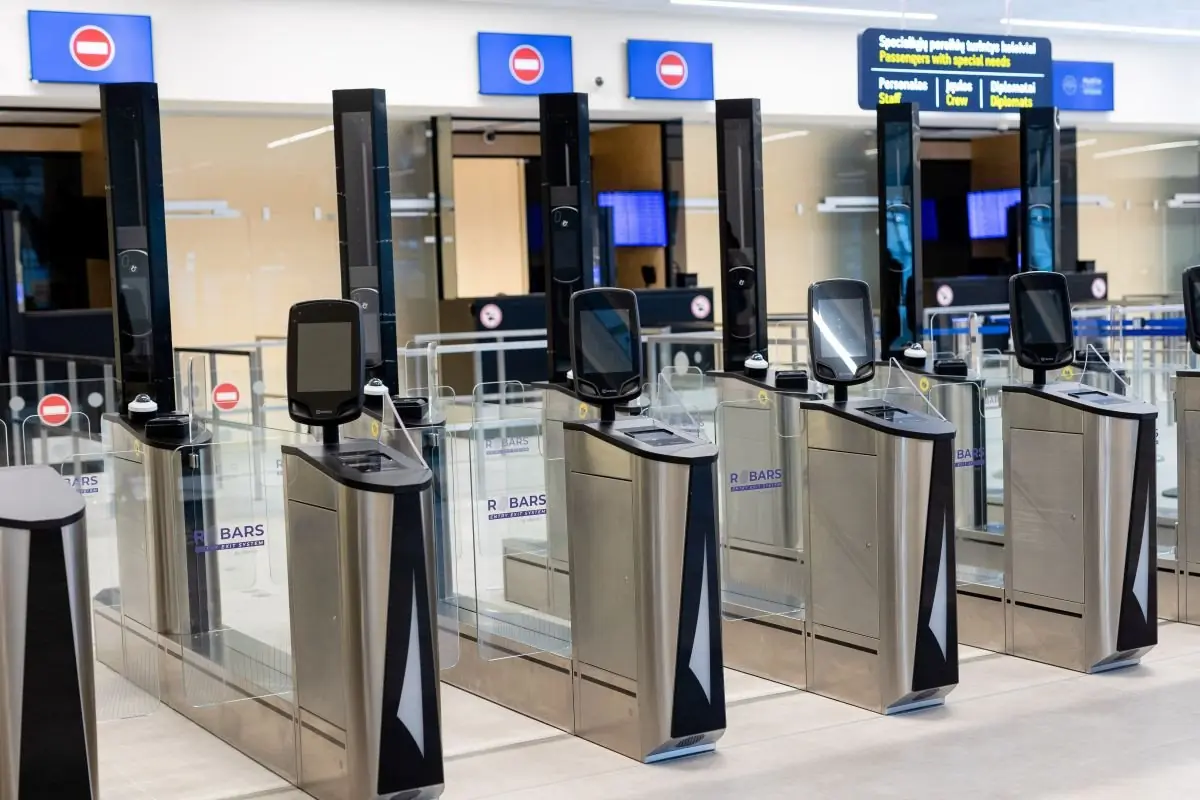 AI & FleetAssistant · Monitoring · Recovery

- paid add-on on top of the platform price
- 1
- functions moved off the roadmap in this wave
- 8
- roadmap items in the queue
- 6
- of shipping signage software
- 18 years
How to read the badges
Four labels, used the same way on every page of this site.
| Badge | What it means | How you get it |
|---|---|---|
| No badge / Live | In production and part of the platform price. | It is in your account. See pricing. |
| Add-on | In production, paid separately because each use has a real cost. | Ask us to switch it on for your account. |
| Beta | Built, switched on per account together with impressBox; some parts are not yet run against a customer’s live system. | Switched on per account; free to try in a pilot. |
| Soon | On the roadmap. Not available. | Tell us you need it. That moves it up. |
Add-ons
Almost everything is inside the platform price, from €19 per screen. These two sit beside it: one because each use has a real cost, one because it needs broadcast rights from a partner.
AI video outpainting for odd LED resolutions
A 16:9 film on a 3:1 LED ribbon means black bars, a crop or a stretch. Outpainting generates the missing picture around the original with Google Veo, so the film fills the wall.
Read more…Show less
What you do: press the magic-wand button on a video. You choose whether the original stays in the middle; by default it is kept when the clip shows text, logos or prices.
What the platform does: the model redraws the clip to the shape of your screens, up to five screen sizes per video, so it fills each one without black bars. The result is then encoded for each player by smart transcoding like any other file.
Why it is an add-on: generating video costs money per clip, so it is charged per clip and not hidden in the screen price. It suits LED walls, portrait totems fed with landscape films, and every shape in between. See AI video outpainting and LED displays.
Live TV and IPTV channels on venue screens
Show the match and keep selling. Live channels mixed into a venue’s loop, with your promotions and ad breaks around them, are in Beta. Remote streams and scheduled input switching are live today.
Read more…Show less
What is live: remote streams, including HLS video and radio, play as content in a playlist, and a screen can switch to its HDMI or other input on a schedule on supported platforms, so a set-top box takes over for the match and the loop returns afterwards. What is in Beta: TV channels mixed with ads inside the venue’s own loop. See live TV streaming.
Where it fits: sports bars, restaurants, waiting rooms and lobbies. A bar shows the game and runs its drink offers in the same layout. See the restaurant business case.
The part to know before you start: showing television in a public venue needs broadcast rights. Those rights come from a broadcast partner, not from the signage licence, and they are agreed per venue and channel. We set up the technical side and point you to the partner.
Just moved off the roadmap
A few weeks ago these were roadmap lines. Now they are built, switched on per account together with impressBox, and free to try in a pilot.
Multilingual portal
The customer portal in the languages your advertisers and venues speak, in one portal. Part of portal wave 2. See customer portal.
Entra, Google or password login
Portal sign-in becomes configurable: Microsoft Entra ID, Google, a password, or the existing magic link by e-mail. You choose per portal.
AI brief intake
“Upload your visual, describe your goals.” The advertiser does that, and the brief becomes a draft campaign or quote for your seller. Creating the CRM lead automatically is in development. See AI quote agent.
Richer cart
The portal cart carries the visuals attached to each line and is re-priced by the same price engine as the seller’s quote editor. Submitting it creates a draft quote.
Demo-readiness check
One check that tells you whether an account is ready to be shown: screens, products, portal and sample data in place.
Samsung Tizen sellable by default
A Samsung Tizen screen joins the sellable inventory as soon as it is added, like every other player. See Samsung and Android fleets.
Programmatic blocklists UI
A screen to block advertisers, brands and categories for programmatic demand, per network or venue. See programmatic and AdCP.
White-label e-mail
Portal e-mails are sent in your name and design, per account. Your customers hear from you. See portals and branding.
Back-office single sign-on
Staff sign in through Microsoft Entra ID or Google Workspace, with group-to-role rules. Switched on per account; the first connection of a directory is made by impressBox. See Microsoft Entra ID and 365.
On the roadmap
None of this is available today. Each item is planned, and each one comes from a request by a network that runs on impressBox.
LoRaWAN fallback for real-time deals
When a venue loses its internet, the screen keeps playing from its local plan today. What it cannot receive is a deal struck in that moment. A LoRaWAN backup channel is planned to carry those small real-time messages.
Read more…Show less
The idea: a low-bandwidth radio link that does not depend on the venue’s line. It will not move video. It is planned to move the few bytes that say which deal won the next break.
What already works without it is on offline resilience: content, plan and proof are held on the player through an outage.
E-mail linked to CRM leads
E-mail threads with an advertiser will be attached to the lead and the customer record, so the whole conversation is planned to sit next to the proposal. Today the CRM holds pipeline, stages and customer 360.
Audience measurement in venues
Measured audience per venue is on the roadmap, to stand beside proof of play. Today audience numbers are imported from CSV or XLS in Media Sales and used in CPM products. See analytics and forecast.
Venue-requested reboot and screenshot
A venue will be able to ask for a reboot or a live screenshot of its own screen from the venue portal. Today your operations team does both through remote field service.
Invoices in the portal
Invoices and their payment status are planned for the portal, beside the offers, orders and reports that are there now.
ServiceNow incidents
Operations alerts open and update incidents in ServiceNow, the way they do in OTRS, Zendesk and Odoo. Built from ServiceNow’s API documentation and not yet run against a live ServiceNow instance; see Integrations with your ITSM system.
How an idea becomes a live function
The same stages every time. You can see where each item stands by its badge.
Step 1: A network asks
Most roadmap items start as a request from an operator with real screens and a real problem. It gets the Soon badge.
Step 2: Pilot build
We build it for one pilot and run it against real screens, or against the shadow fleet first.
Step 3: Beta
It is switched on per account together with impressBox.
Step 4: Live
It goes to production for everyone and joins the platform price, unless each use has a cost, in which case it becomes an add-on.
The direction
impressBox started as a CMS 18 years ago and now runs more than 5,000 screens. The direction since then has been one platform from the playlist to the invoice: the CMS, Media Sales, portals, AI and fleet operations.
Three lines run through everything on this page. First, the screen decides for itself: plan, content and proof live on the player, and the roadmap extends that to the moments when the venue is offline. Second, the people who are not on your payroll get their own door: advertisers, agencies and venues each have a portal, and each wave gives it more.
Third, you ask instead of search. The MCP server and the AI agent already run networks by chat, and that work was recognised with the invidis Rising Star & Disruptor award for the Nordics in the 2026 Market Map.
The full list of what exists today is on everything impressBox does. If something you need is missing from both pages, tell us. That is how most of this list began.
Frequently asked questions
What is the difference between Beta and Soon?
Beta is switched on per account together with impressBox; some parts are not yet run against a customer’s live system. It is free to try in a pilot. Soon is the roadmap: it is planned and not available. We never describe a Soon item as something you can use today.
Are add-ons included in the per-screen price?
No. The platform price, from €19 per screen per month, covers the platform, monitoring, remote control, slot booking, proof of play, an advertiser portal and support. AI video outpainting is charged per clip on top. Live TV channel mixing is in Beta and needs broadcast rights from a partner, which are a separate agreement. See pricing.
Who provides the rights to show live TV in my venue?
A broadcast partner. Showing television in a public venue needs broadcast rights for that venue and channel, and those are not part of a signage licence. impressBox handles mixing the channel into your screens; see live TV streaming.
Can I try Beta functions before they are live?
Yes. Beta functions are switched on per account and are free to try in a pilot on your own screens, without obligation. Book a demo and say which ones you want to see.
When will the roadmap items be available?
We do not publish dates for roadmap items. Order depends on what running networks need most, so a request from you has a direct effect. When an item reaches a pilot build, its badge on this page changes to Beta.
Does the platform already work when a venue loses internet?
Yes. Players are offline-first: they keep playing from the local plan and record every play, then send the proof when the line returns. The planned LoRaWAN channel only adds real-time deal messages during an outage. See offline resilience.
See the new functions on your own screens
A pilot is without obligation, and new modules are free to try in it. Tell us which roadmap item you need and we will tell you where it stands.