Retail chain
About 1,000 screens in 250 stores
Weak store lines and suppliers who want evidence. Peer-to-peer delivery keeps the line free and supplier campaigns come with proof of play. See retail chains.
Screens become a retail media channel.
Comparison
A plain signage CMS uploads content, builds playlists and schedules them, and impressBox does all of that after 18 years of building it. The difference is what comes next: selling the screens, proving every play, running the network by chat and repairing devices without a site visit. If you only need playlists on ten screens, a plain CMS is enough, and this page says so.

The right-hand column describes the category of playlist-and-schedule tools. Individual products differ, so treat it as a list of questions to ask.
| Topic | impressBox | Plain signage CMS (category) |
|---|---|---|
| Playlists and scheduling | Drag-and-drop playlists on one page, folders, tags, trash with restore, cron-style scheduling and date windows. | Yes. This is the core of the category and many tools do it well. |
| Content types | Templates written from one sentence, data-driven content over HTTP, MQTT, UDP and AMQP, Power BI, Canva, web pages, YouTube. | Images, video and web pages; templates and apps vary. |
| Players | LG webOS and Samsung Tizen on the screen’s own chip, Android, BrightSign, Raspberry Pi, x86, browser. | Often one or two platforms, or an own box. |
| Selling advertising | Media Sales: CRM, proposals, rate cards, booking modes, conflict check, make-goods, emergency broadcast. | Not included. Ads are playlist items; sales live in spreadsheets or another system. |
| Portals | A white-label customer portal. Venue portal and Portal Studio are part of Media Sales. | User accounts in the CMS; rarely a portal for an advertiser or a venue. |
| Proof of play | Per clip, screen and hour, recorded on the device through outages; for campaigns per play: ordered, played, counted, on plan. | Playback logs or none. Seldom reconciled against an order. |
| AI and MCP | An MCP server with 123 tools; Claude, ChatGPT and other clients run the network by chat. An AI agent in the dashboard, WhatsApp and Slack (Beta). | Usually limited to content generation, if present. |
| Fleet operations | Samsung MDC power and reboot, Android MDM roll-out, peer-to-peer delivery, Wake by Neighbour, diagnostics from the player. Shadow fleet in Beta. | Online or offline status, a reboot button. |
| LED monitoring | Faults detected from the power signature before they are visible on the wall (Beta). | Not included. |
| Price | From €19 per screen per month. No set-up fee. | Often lower per screen for playlists alone. |
Each of these is usually a second product, a second contract and a second login. Here they run on the same player and the same account.
Turn screens into inventory: products, rate cards, a pipeline, proposals a customer accepts through a link, and a campaign form that checks conflicts before it books.
What you do: nothing to begin with. Every screen is sellable by default, with size, orientation and opening hours taken from the device. If a screen is not sellable, the reason is shown next to it.
What the platform does: it builds a signed plan per screen and the player fills each ad break from it, beside your own loop. Competing brands are kept apart in the same break. Capacity is checked per screen and break, so nothing is sold twice.
Sell by loop share, frequency per hour, dayparts, CPM or a budget with a pacer. Posters and light boxes sit in the same catalogue. Start at Media Sales.
Advertisers sign in with an e-mailed link and see offers, orders, invoices and reports. Venues see what plays on their screens.
The customer portal is included in the price, with an agency view. An offer acceptance is recorded with date, name and page as evidence.
The venue portal lets a venue upload its own clips within rules such as “two clips up to 60 seconds”. Nothing plays before the network has approved it.
Portal Studio builds a branded site per customer in a chat. Every publish is a plan a person confirms, with one-click rollback.
The screen records what it played. When the line is down, plays are buffered and sent later, so the report has no holes.
For your own content: per clip, per screen, per hour. The CMS API returns content and playlist items as CSV; list and report exports are part of Media Sales.
For campaigns: every play is ordered, played, counted and on plan, and the report can be the basis of an invoice. A shortfall becomes a make-good proposal. See proof of play.
Run the network from Claude or ChatGPT. With MCP, one command checks the whole network.
The MCP server exposes 123 tools for the CMS: content, playlists, schedules, devices, screenshots, logs. The client acts with your account’s role and every action lands in the audit trail.
The AI agent (Beta) answers in the dashboard, WhatsApp and Slack. A front desk can change a loop by writing a sentence. In Media Sales, the assistant on every page answers questions such as “Which gym screens were offline this week, and are they back?”.
Anything that books or publishes is a proposal a person accepts. impressBox was one of the first companies to bring both MCP and agentic use to digital signage; see agentic digital signage.
Reboot a Samsung screen over MDC when the app hangs. Roll out Android boxes through MDM. Let one screen share content with its neighbours.
Samsung all-in-one screens run the player on the Tizen chip; power and reboot go over Samsung MDC even when the app does not answer. Android boxes get one-click app updates through our MDM, and content is converted server-side to what each box can decode. See Samsung and Android fleets.
Peer-to-peer delivery: the first screen downloads a file and the others get it over the LAN. For a retailer behind one line, a 100 MB file to 1,000 screens would otherwise be 100 GB. A screen can also ping and wake its neighbour.
Remote field service gives a live screenshot, logs and network diagnostics from the player. A shadow fleet (Beta) simulates up to about 1,000 screens before a change reaches a real one.
An LED or LCD failure is detected from the power signature before it is visible on the wall.
The idea came from a city street where broken LED panels stayed unrepaired because nobody knew. Measure the power, detect the fluctuation, raise the alert.
See LED monitoring and LED displays.
You have a handful of screens in one building. Someone walks past them every day, so a frozen screen is noticed within the hour. You do not need remote recovery.
You show your own content only. Nobody pays for a slot and nobody asks for a report. Proof of play and a sales pipeline would sit unused.
One person updates one playlist once a week. A chat agent and an MCP server save little time at that scale.
Your screens are all one model on a good network. Transcoding per device, peer-to-peer delivery and offline buffering solve problems you do not have.
In those cases, choose the simplest tool you like. The reasons to choose impressBox begin when one of four things is true: the screens are far away, the network is weak, somebody pays to be on them, or there are too many to check by hand.
Many networks cross that line later than they planned. Moving then is screen by screen, with rollback, so starting small does not lock you in.
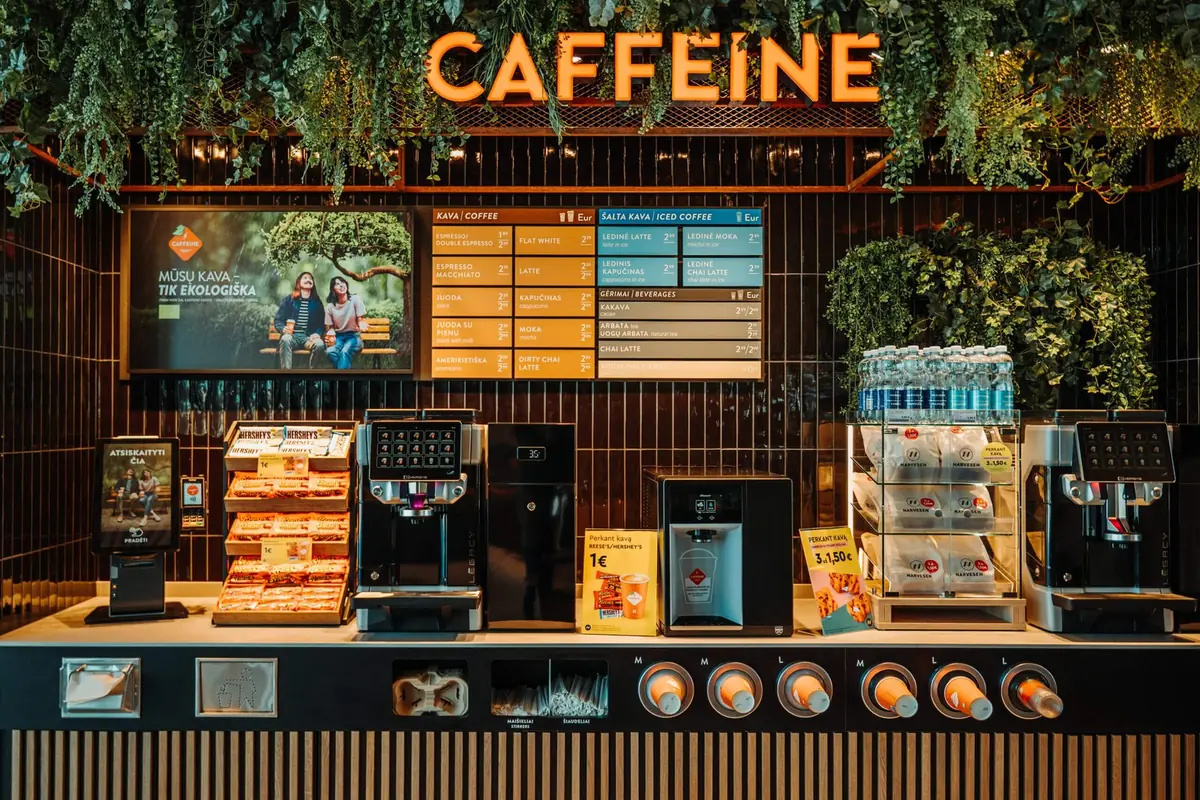
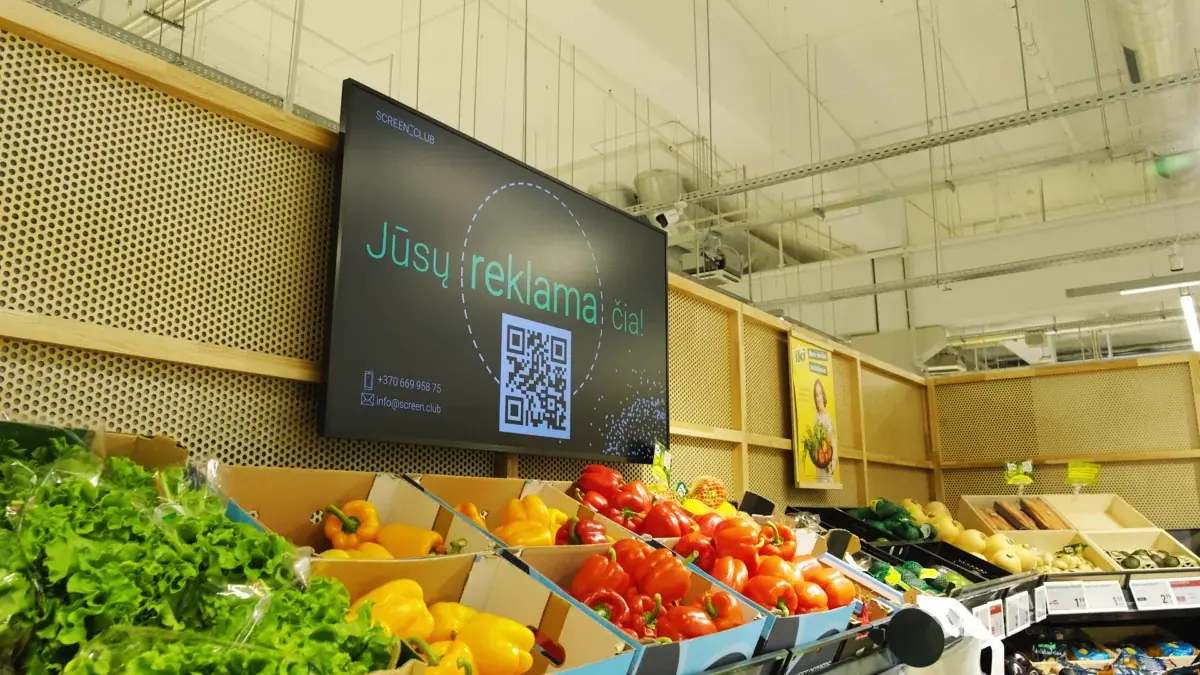
Retail chain
Weak store lines and suppliers who want evidence. Peer-to-peer delivery keeps the line free and supplier campaigns come with proof of play. See retail chains.
Screens become a retail media channel.
Shopping mall
100+ DOOH screens and LED walls, advertising taken in-house, front-desk staff running loops with the AI agent. See shopping malls.
No outside operator between the venue and its advertisers.
Gym chain
Offline-first playback, a share of the loop for the gym’s own content, no alcohol and no competitor ads. See gyms and fitness.
The loop keeps playing when the Wi-Fi does not.
Business centres
Run commercially since 2018, with proof of play as the invoicing basis. See retail media and DOOH networks.
Invoices that match what the screens played.
Adding Media Sales did not thin the CMS out. This is what you get before any of the above.
Yes. Playlists, scheduling, templates, data-driven content and device control are the base of the platform, built over 18 years. The full list is on features and everything impressBox does.
The published price is from €19 per screen per month, with no set-up fee. Options and details are on the pricing page.
When you have a few screens in one place, show only your own content and need no reports or remote repair. A simple tool does that job well and may cost less per screen.
Yes. Every screen is sellable by default, so the inventory is there the day you decide to sell. No new player and no second system are needed. See Media Sales.
The AI agent, the shadow fleet and LED monitoring carry a Beta label: they are switched on per account together with impressBox. Media Sales, including the venue portal, Portal Studio and programmatic, is switched on the same way. The CMS, the MCP server and proof of play carry no label. See add-ons and roadmap.
You move screen by screen on your existing hardware while the old system keeps running, and a switched screen goes back with one action. See migration.
Put impressBox on two or three of your screens beside your current CMS. Pilot without obligation, no set-up fee.