Skip to content
impressBox

Platform

Everything impressBox does

impressBox is one platform for the whole life of a screen network: the CMS that plays the content, the Media Sales platform that sells the ad breaks, the portals your customers and venues sign in to, the AI that operates it by chat, and the fleet tools that keep 5,000+ screens running. This page lists every function and says honestly what is live, what is Beta and what is still on the roadmap.

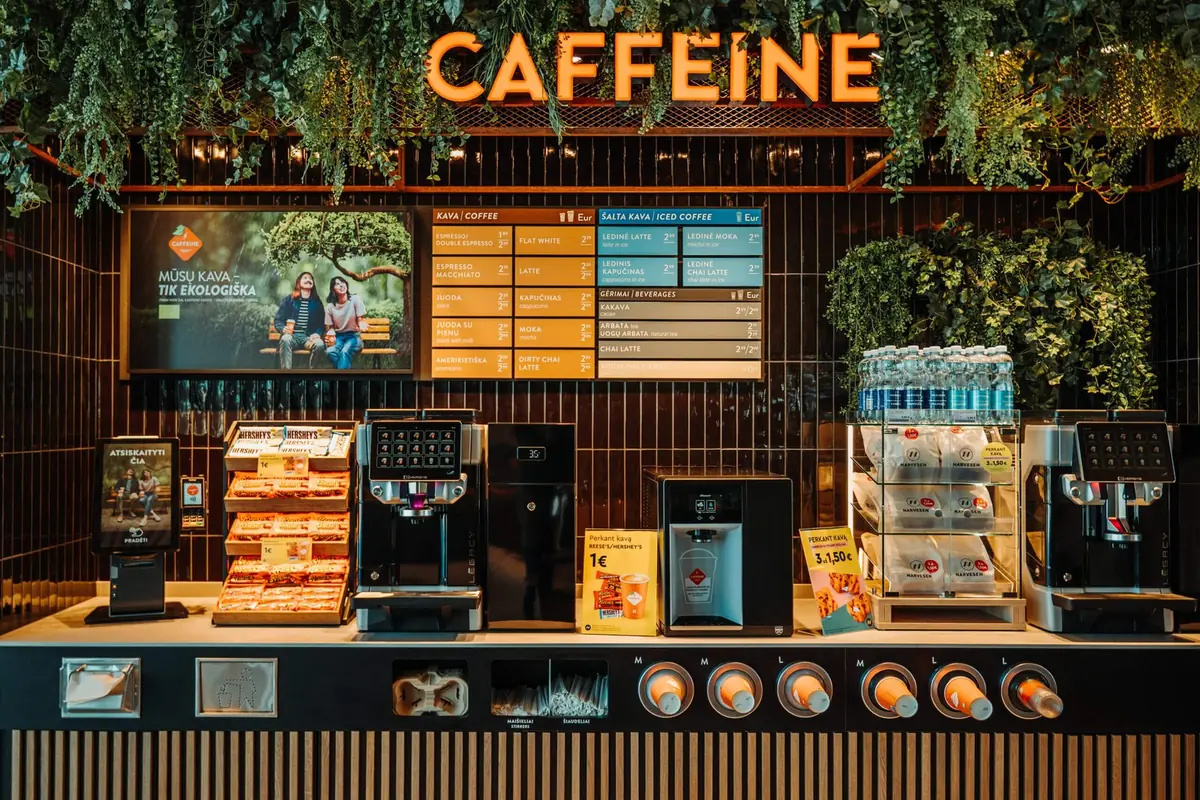
  • Digital menu boards and a promotion screen above the counter of a coffee shop.
    CMSPlaylists · Templates · Scheduling
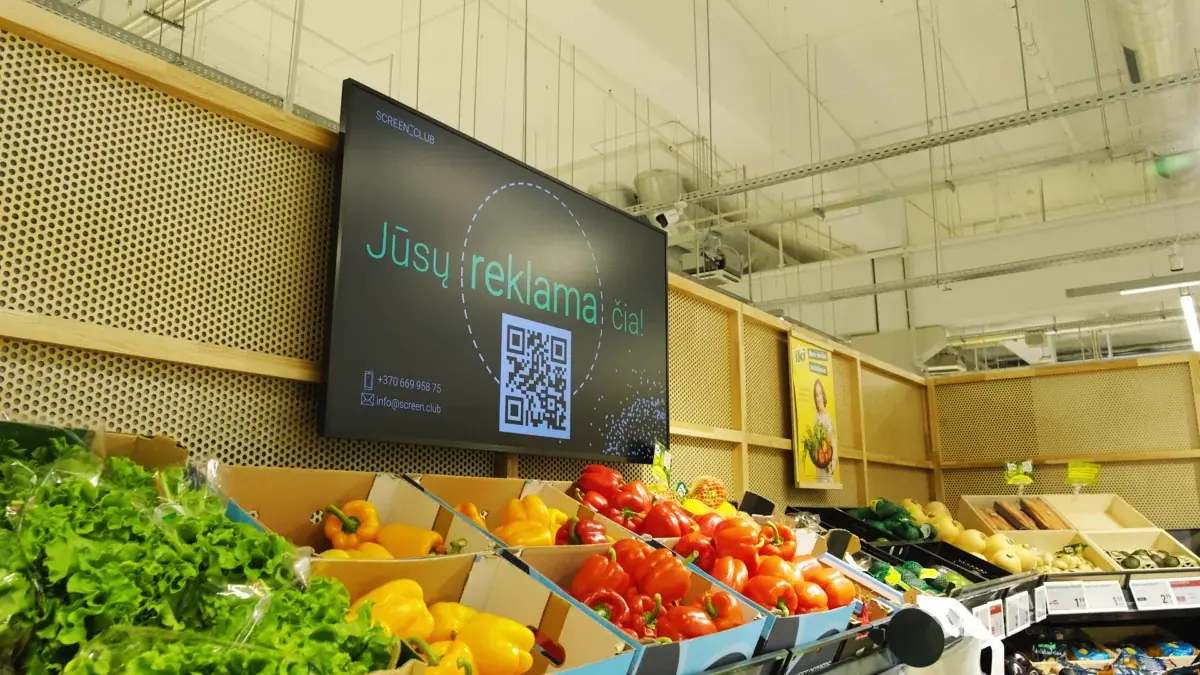
  • An advertising screen above the vegetable shelves of a supermarket, offering its ad space to advertisers.
    Media SalesCRM · Proposals · Ad breaks
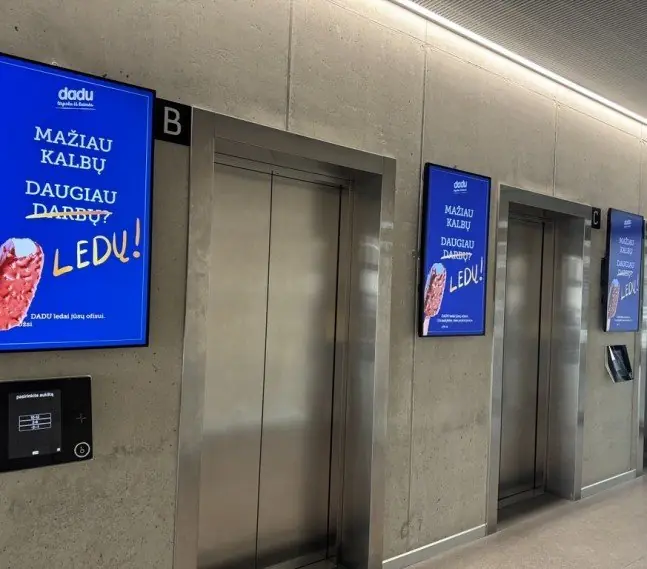
  • Three portrait screens between the lifts of an office lobby, all showing the same advertisement.
    PortalsAdvertiser · Venue · White‑label
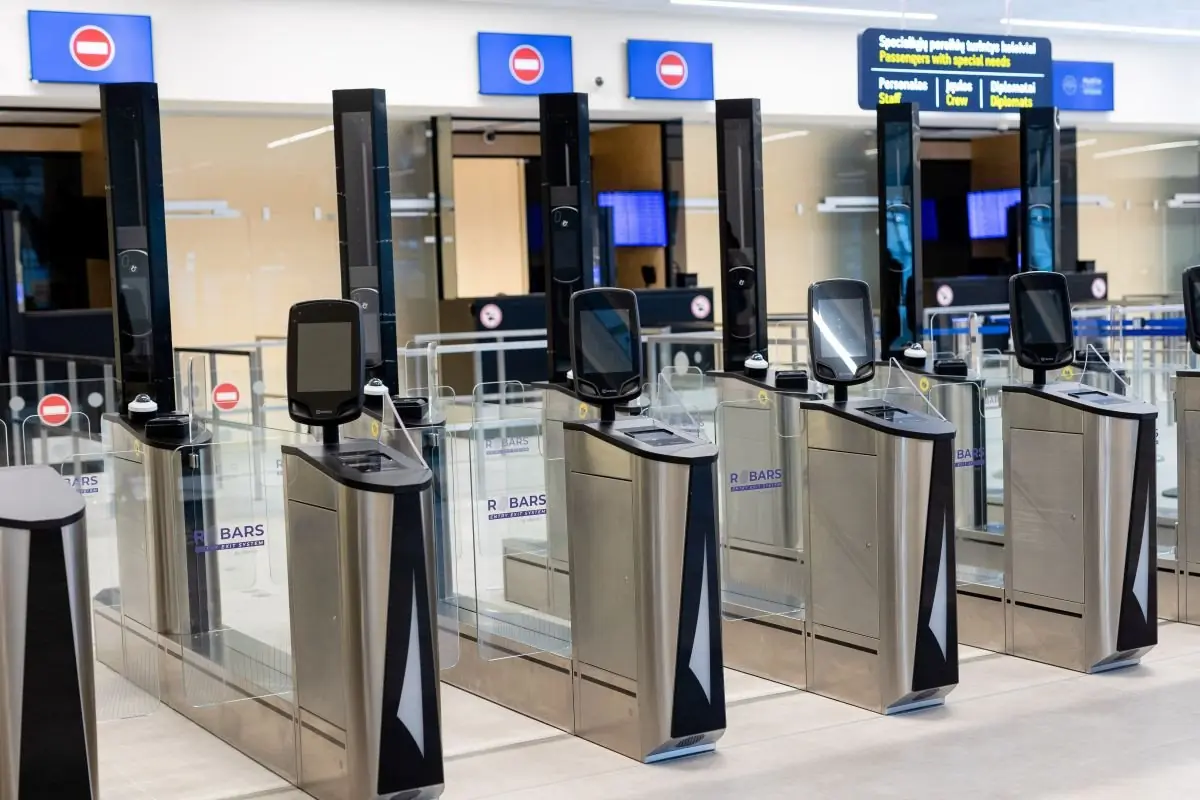
  • A row of automated passenger gates at an airport, each with its own screen, and information displays above them.
    AI & FleetAssistant · Monitoring · Recovery
impressBox
One platform behind four kinds of screen network: the CMS that plays the content, Media Sales that sells the ad breaks, the portals for advertisers and venues, and the AI and fleet tools that keep the screens running.
screens run on impressBox
5,000+
in digital signage
18 years
MCP tools in the CMS
123
per screen per month
from €19

The CMS: content, scheduling and playback

Eighteen years of signage work sit in this layer. You build a playlist on one page, the server converts each file to what each player can decode, and the screen keeps playing when the line drops. Start at all features or go straight to a topic.

Every function, with its status

No badge = available; Media Sales is switched on per account together with impressBox, and parts not yet run against a customer’s live system say so on their own pages. Beta = switched on per account together with impressBox. Soon means planned and not available yet. Add-on means live and paid separately.

  • CMS content: drag-and-drop playlists on one page, folders, tags, trash with restore
  • CMS content: cron-style scheduling, date windows and scheduled device actions
  • CMS content: server-side transcoding per resolution and per decoder
  • CMS content: dynamic templates written from one sentence
  • CMS content: data-driven content from sensors, POS and CRM over HTTP, MQTT, UDP and AMQP
  • CMS content: Power BI, Canva, web pages, YouTube, remote streams and input switching
  • CMS content: live TV channels mixed with ads in venues (broadcast rights from a partner needed)Beta
  • CMS content: content approvals with approver steps, e-mail links and escalation
  • CMS content: AI video outpainting to the shape of each screenAdd-on
  • Playback: peer-to-peer delivery on the LAN
  • Playback: offline-first players; plays are buffered on the device and sent later
  • Playback: LG webOS, Samsung Tizen, Android, BrightSign, Raspberry Pi, x86 and browser players
  • Playback: video walls in sync, RS-232 and HDMI-CEC panel control
  • Playback: brightness that follows sunrise and sunset
  • Devices: fleet view with status, uptime, last play and alerts
  • Devices: live screenshot, logs and network diagnostics run on the player
  • Devices: Wake-on-LAN and Wake by Neighbour, display on and off, audio, input source
  • Devices: remote updates with pinned releases
  • Devices: tamper-proof mode with a read-only system and lockout codes
  • Devices: issue detection with digests to Slack and e-mail
  • Devices: Samsung MDC power and reboot control, Android roll-out through MDM
  • Devices: LED fault detection from the power signatureBeta
  • Devices: shadow fleet of headless players on a copy of your dataBeta
  • AI: MCP server for the CMS with 123 tools
  • AI: chat in the CMS, a prompt library and AI checks of titles, descriptions and categories
  • AI: agent in the dashboard, WhatsApp and SlackBeta
  • AI: bring your own model (OpenAI-compatible, EU or on-premises)Beta
  • Measurement: proof of play per clip, screen and hour, through outages
  • Measurement: playlist and content statistics, content and playlist items as CSV through the CMS API
  • Security: multi-account, roles scoped to accounts, locations and screens
  • Security: TLS, 2FA, EU hosting, audit trail of every user and agent action, no inbound ports at the location
  • Media Sales inventory: every screen sellable by default, with the reason shown when it is not
  • Media Sales inventory: channels and listings with owner consent and slot quotas
  • Media Sales inventory: products and rate cards with yield rules and scoped rates
  • Media Sales inventory: occupancy, availability and unsold inventory for the next 12 weeks
  • Media Sales inventory: posters and light boxes sold in the same catalogue
  • Media Sales inventory: audience import from CSV and XLS
  • Selling: CRM-light pipeline with stages, weighted forecast and customer 360
  • Selling: planner and sales targets per period and owner
  • Selling: proposal editor with live totals, autosave, versions and discount approval
  • Selling: magic-link proposals; acceptance recorded with date, name and page
  • Selling: contracts with validity dates and a warning or block for bookings outside them
  • Booking: one campaign form with a conflict check and a plan preview
  • Booking: loop share, slots of 60, 20 or 10 seconds, CPM, and budget with a pacer
  • Booking: dayparts, first or last in break with a premium, packages, holds that expire
  • Booking: creative readiness per screen size, variants per tag group, four rotation modes
  • Booking: a signed plan per screen, executed on the player, offline too
  • Delivery: proof per play (ordered, played, counted, on plan) and delivery reports as CSV, PDF and share links
  • Delivery: make-good proposals on the same or nearby screens, with an approval step
  • Delivery: automatic make-goods without a manual step (opt-in)
  • Delivery: billing modes planned, payment-based and proof-of-play based
  • Delivery: invoicing basis sent to accounting systems such as Odoo
  • Safety: competing brands kept apart, category exclusivity per break, venue blocklists
  • Safety: emergency broadcast on one venue or all screens, confirmed by each player
  • Operations: approval chains with thresholds on discount or value, change requests
  • Operations: alerts to e-mail, Microsoft Teams, Slack and webhooks
  • Operations: tickets created in OTRS, Zendesk and Odoo
  • Operations: incidents and service requests in ServiceNow, not yet run against a live ServiceNow instance, see Integrations with your ITSM system
  • Analytics: forecast versions with editable assumptions and role dashboards
  • Analytics: commercial report and screen P&L
  • Portals: customer portal with a sign-in link, offers, orders, creatives and reports
  • Portals: venue portal, venue uploads with quotas and approval
  • Portals: Portal Studio, a branded site built in a chat
  • Portals: AI quote agent that turns a brief into a draft campaign or quote
  • Portals: multilingual portal, richer cart, white-label e-mail
  • Portals: sign-in with Microsoft Entra ID, Google or a password
  • Portals: invoices and payment statusComing soon
  • Portals: reboot or screenshot requested by the venueComing soon
  • Open: Media Sales AI assistant on every page; every write is a proposal a person accepts
  • Open: CMS REST API and MCP server live; Media Sales API with schema, API clients and event webhooks
  • Open: Media Sales MCP endpoint with about 120 more tools
  • Demand: AdCP sales agent for AI buyer agents
  • Demand: programmatic over OpenRTB 2.6 and VAST 4, with a blocklist screen
  • Demand: Samsung Tizen screens sellable by default; demo-readiness check
  • Demand: LoRaWAN fallback for real-time bidding when a venue loses internetComing soon
  • Roadmap: e-mail linked to CRM leadsComing soon
  • Roadmap: audience measurement in venuesComing soon
  • Back office: sign-in through Microsoft Entra ID or Google Workspace, see Microsoft Entra ID and 365

New modules are free to try in a pilot on your own screens. The full list of add-ons and planned work is on add-ons and roadmap; the price is on pricing.

One platform, four kinds of network

The same catalogue serves a network that only shows its own content and a network that sells every break.

Store network

About 1,000 screens in 250 stores, behind thin lines

A large Baltic retail chain runs its screens behind a single network endpoint. Peer-to-peer delivery means one screen per store downloads a new clip and the rest copy it locally. Supplier campaigns are booked as ad breaks and proven with proof of play. More under retail media networks.

One download per store instead of one per screen.

Gym chain

Weak Wi-Fi, long dwell time, strict brand rules

Gym Wi-Fi drops, so the plan and the files live on the player. The chain keeps a share of every loop for its own content, sells the rest by CPM, and blocks alcohol and competing clubs on its screens. See gyms and fitness.

Breaks keep playing and keep being counted when the line is down.

Shopping mall

Advertising taken in-house

A retail destination with 100+ DOOH screens and LED walls replaced an outdoor-media operator and sells its own screens. Front-desk staff change loops through the AI agent. See shopping malls.

The venue owns the advertiser relationships and the revenue.

Agency

A signage department with venues as customers

A marketing agency starts a screen network. Venues upload their own media, the agency approves it, brands book the breaks through a portal under the agency’s name. See agencies becoming media owners.

A media business without building software.

Frequently asked questions

Is impressBox a signage CMS or a DOOH sales platform?

Both, in one product. The CMS plays and schedules content on any player, and the Media Sales platform sells the ad breaks on the same screens. The plan that sells a break is the plan the screen executes, so there is no export between a sales tool and a player.

What do the Beta and Soon badges mean?

No badge = available; Media Sales is switched on per account together with impressBox, and parts not yet run against a customer’s live system say so on their own pages. Beta = switched on per account together with impressBox. You can try new modules in a pilot at no extra cost. Soon = planned, not available. Add-on means it is live and paid separately. The full list is on add-ons and roadmap.

When is Media Sales available?

Media Sales is switched on per account together with impressBox. That covers the CRM, proposals, contracts, campaigns, booking modes, make-good proposals, proof of play records, the customer portal and the open API; the individual modules on this page are switched on the same way. The media portal page explains the engine behind it.

What does it cost?

From €19 per screen per month, excluding VAT. There is no set-up fee, the platform takes 0 % of what your customers book, you pay monthly and only for active screens, and an LED wall counts as one screen. Hardware is not included. Details on pricing.

Which screens and players does it run on?

LG webOS and Samsung Tizen panels without a box behind the screen, Android, BrightSign, Raspberry Pi, x86 and the browser. Content is converted server-side to what each player can decode. See supported hardware and Samsung and Android fleets.

Can an AI assistant really run the network?

Yes. The MCP server exposes 123 CMS tools to Claude, ChatGPT and other MCP clients, so one sentence can check every screen or publish a playlist. The assistant works with your own rights, each action lands in the audit trail, and in Media Sales anything that books or publishes is a proposal a person accepts.

See the whole platform on your own screens

Start with a pilot on your own screens, without obligation. We set it up, you book the first campaign.